ILUNION adapts its digital business card to WCAG AA accessibility criteria
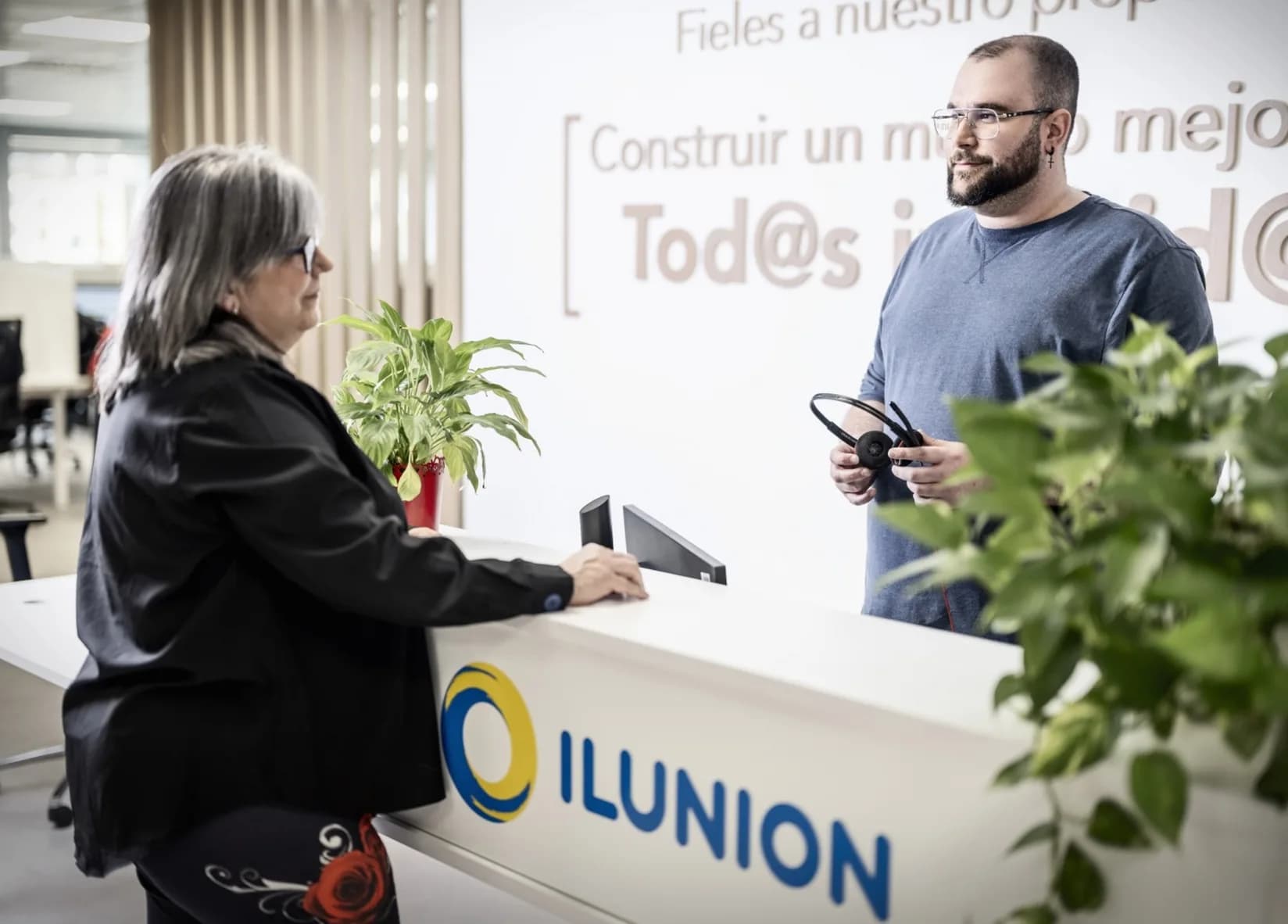
ILUNION adapted its corporate digital card to WCAG level AA criteria: contrast, screen readers, keyboard navigation and scalable text. A 2,000-card project rolled out in phases.
ILUNION has replaced the paper business card with a digital card adapted to WCAG level AA accessibility criteria. It is a 2,000-card project being rolled out in phases.
ILUNION is the group of social enterprises of ONCE and its Foundation: a benchmark in creating employment for people with disabilities and a service provider across many sectors. Its model rests on innovation, sustainability and inclusive environments.
When they decided to move to a digital card, the requirement was clear: anyone on the staff had to be able to use it, and it had to pass the group's security checks.
The challenge: the ONCE Group's accessibility criteria
At ILUNION, accessibility is not an extra. Any tool rolled out across the organisation has to meet the WCAG 2.1 and 2.2 guidelines at level AA, the level required of public bodies and large companies.
Those guidelines come down to four principles: information must be perceivable, the interface must be operable by keyboard too, the content must be understandable, and it must be robust: it must work with screen readers such as JAWS, NVDA or VoiceOver.
There was a second condition: the platform had to pass a security audit before being deployed across the organisation.
The seven points that were adapted
ILUNION's audit team reviewed the Lead2Team digital card and flagged what needed changing. Following that analysis, these seven points were adapted to the level AA criteria:
- Colour contrast. Text and buttons such as "Save contact" or "Send WhatsApp" were adjusted to the minimum 4.5:1 ratio.
- Alternative text. Descriptions of the profile photo, logos and icons for screen readers.
- Keyboard navigation. A logical tab order and a focus indicator visible at all times.
- Icons with accessible labels. Social media icons and buttons are identified with ARIA attributes.
- Declared language. The page states which language it is in, so the screen reader pronounces it correctly.
- Scalable text. Content can be enlarged to 200% without breaking the layout or losing any function.
- Contact form. Fields with visible, associated labels, and clearly identified errors.
The security validation
In parallel, the platform's infrastructure went through a technical security audit by penetration testing, to check its robustness against vulnerabilities and the protection of corporate data. Sign-off from the cybersecurity team was the step before authorising the rollout.
The design, within the criteria
With the technical requirements settled, the work moved to the Communications department. Three design proposals were presented and the one chosen was the one that best carried ILUNION's identity without stepping outside any of the accessibility criteria already validated.
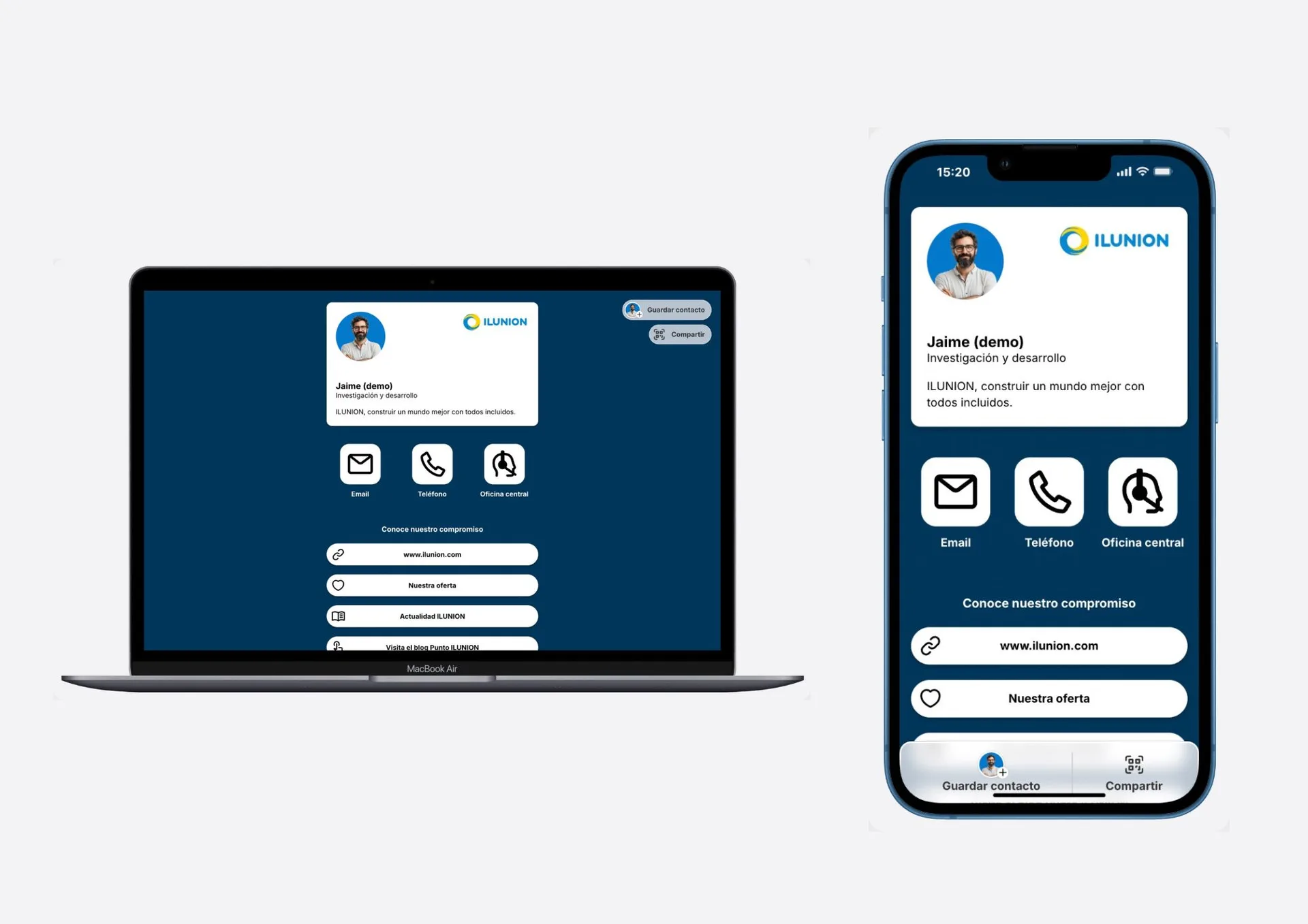
Everyone edits their own details, without going through an administrator
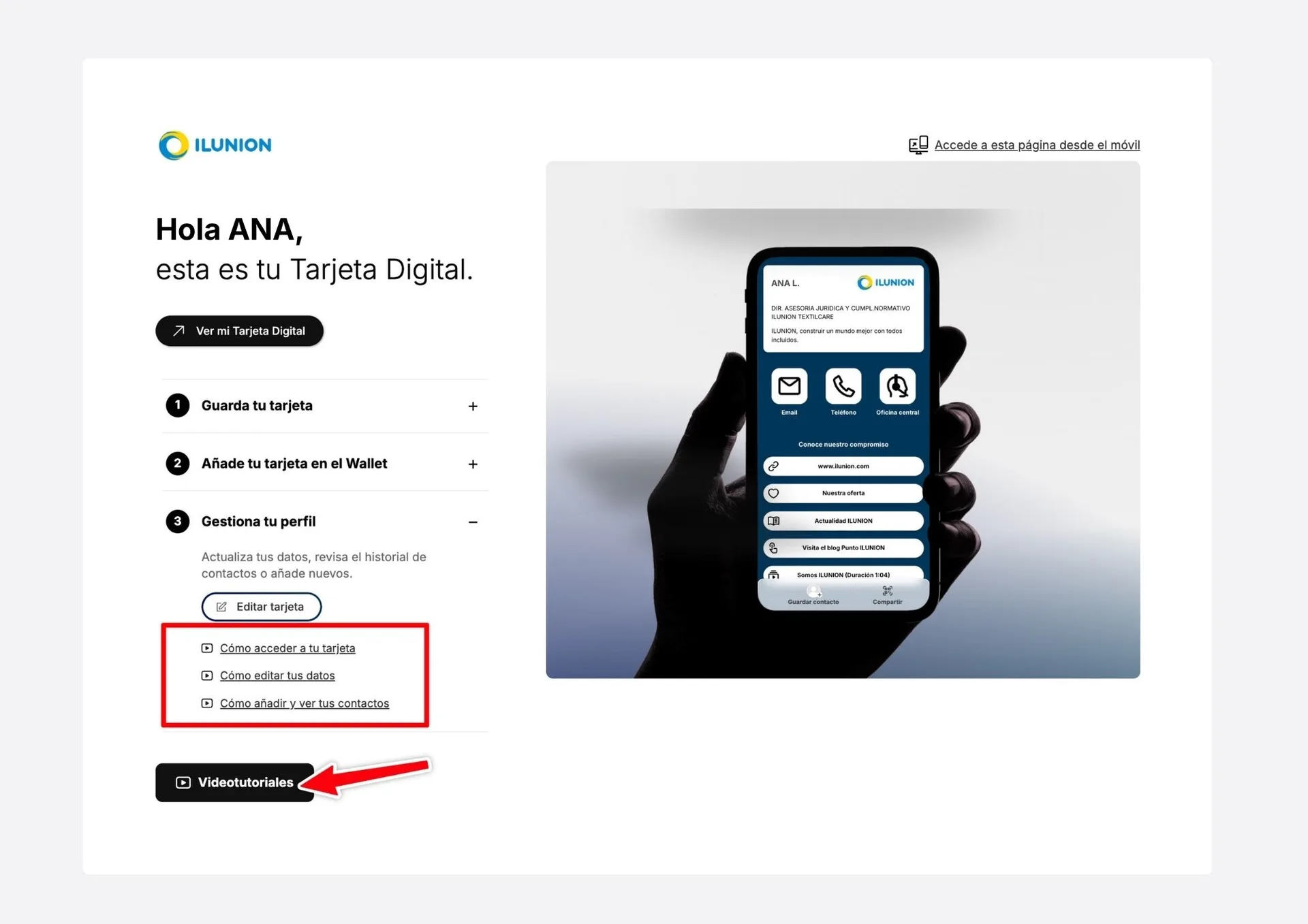
So that each professional keeps their card up to date on their own, an individual editing permission system was built in two phases. Both are live and any customer can configure them:
- "Edit details" button. From the welcome page, the person enters their email, receives a validation link and reaches a form to update their profile. No passwords to remember and nobody else touching their details.
- Access from the card itself. With the same email validation, the person edits their profile, adds new contacts and reviews every contact they have generated.
Both are switched on only for the profiles the organisation chooses, so control over who can edit stays with them.
The rollout, in phases
ILUNION announced the new corporate card internally (accessible, always up to date and ready to share from the phone with a built-in QR) and each person received their welcome email from the platform. In parallel, administrators were trained in managing the cards centrally and in reading how they are used.
Rolling out in groups makes it possible to validate the process before reaching the 2,000 cards planned.
What this project leaves behind
A large organisation can digitalise its teams' networking without lowering its accessibility or security criteria. Adapting the card to level AA criteria was not only about meeting the group's internal rules: it was about anyone on the staff being able to use it on equal terms.
Other teams have taken similar routes with different requirements: Jaguar Land Rover Spain and Portugal and Trescal. The piece behind all of them is the team digital card.
Put it into practice with your team
Create your team's digital cards and share them in seconds, with full brand control.