Connectors: maximum flexibility in your consultants' files.

We've launched a new feature that lets you fully customize your advisors' contact profile.
The widget and the Virtual Room are a space for direct communication with your clients, and now also a space to bring them value propositions.
Your team can give you much more.
Turn your advisors into lead generators: they are the perfect channel to communicate initiatives, campaigns, promotions and more.
Make the most of their power to recommend: your team can influence your audience's decisions, giving them credibility and confidence.
Add links of interest
Imagine, for example, that…
- You want to announce the launch of a new product.
- You want to showcase your new catalogue.
- You have an offers landing page and need to promote it.
- You are organizing an event and want clients to register.
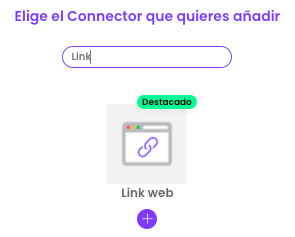
You just need to add a button with the link/URL you want your audience to see.
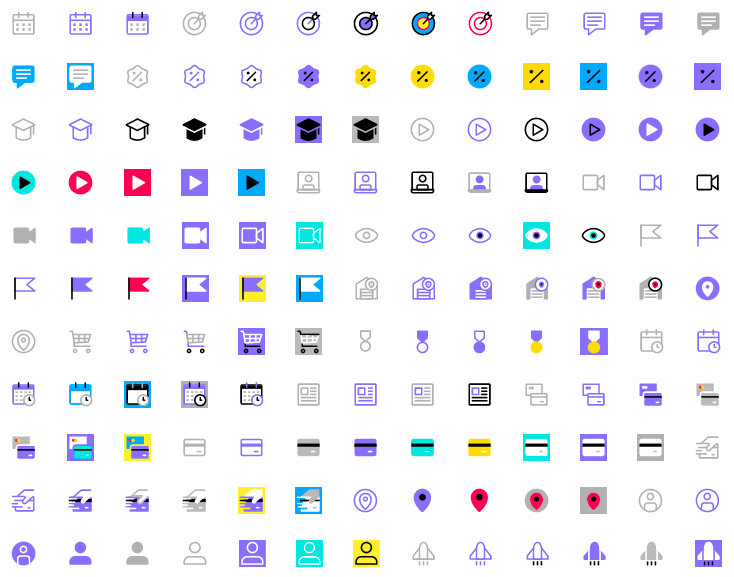
→ Explore the icon gallery: choose from over 100 designs or upload your own.
More communication channels
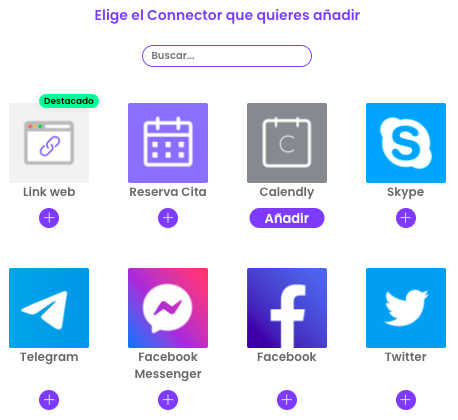
We have added new messaging apps such as Facebook Messenger, Telegram and Viber.
Every business is different, which is why we want you to choose the combination that best fits your company.
Ordering Connectors
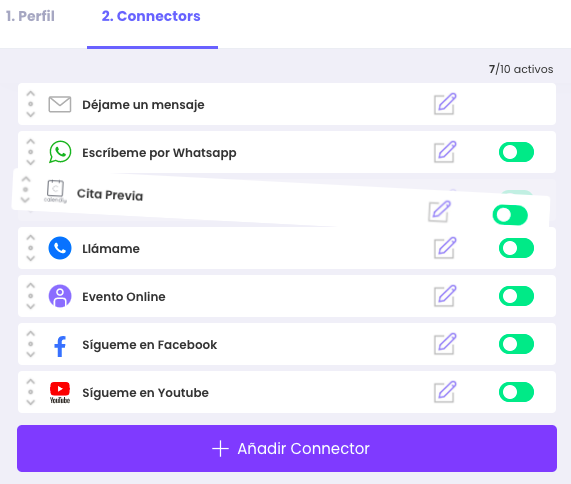
You can add up to 10 Connectors in your advisors' contact space.
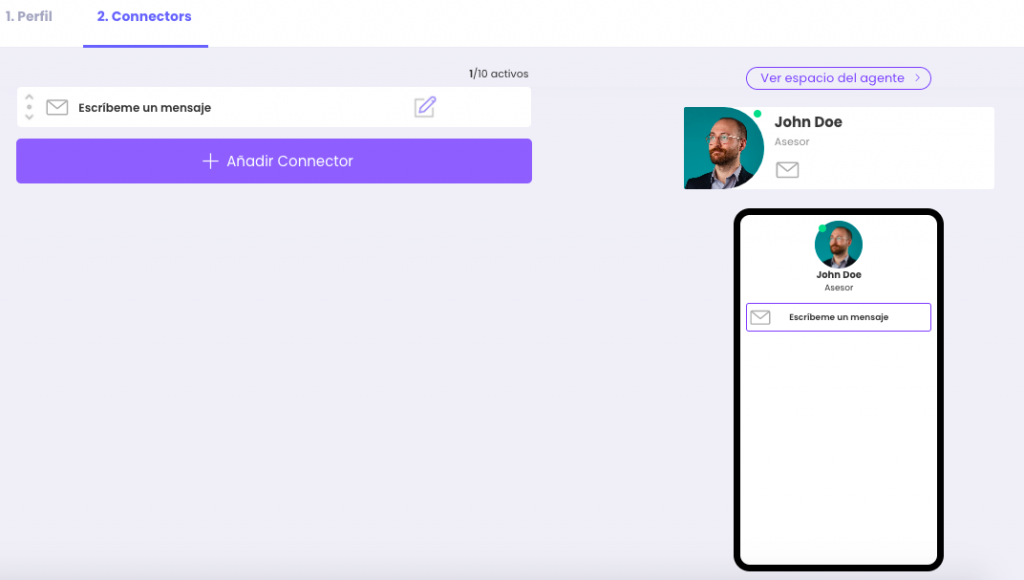
Decide the display order within the Widget and the Virtual Room, as simple as dragging up or down.
Set it up in 3 easy steps.
1. Create or edit one of your advisors and go to the “Connectors” tab.
2. Find the Connector you want to add and fill in the information in the indicated format.
3. Drag the new icon to the position you want it to have in the agent's profile and save.
Put it into practice with your team
Create your team's digital cards and share them in seconds, with full brand control.