How to get Google reviews with your team
Each team member asks their customer for a review, with their own link, right after serving them. No paying the customer and no filtering anyone out: within Google's rules.
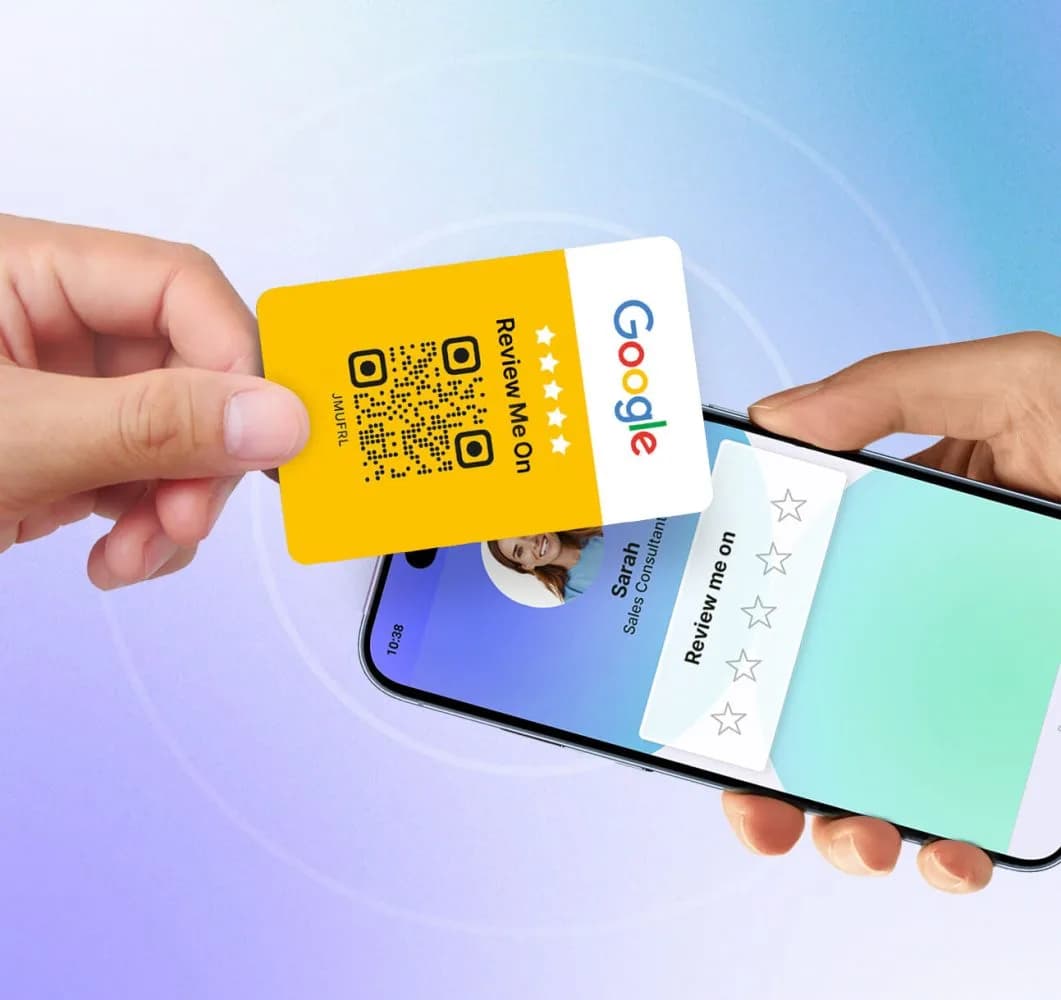
The most reliable way to get Google reviews is for each team member to ask for them, with their own link, at the moment the customer has just been well served. A plaque on the counter waits for someone to notice it. A person who has just handed over a car, finished an appointment or solved a problem has the customer in front of them, phone in hand, and only needs a link that opens the rating screen of the right listing.
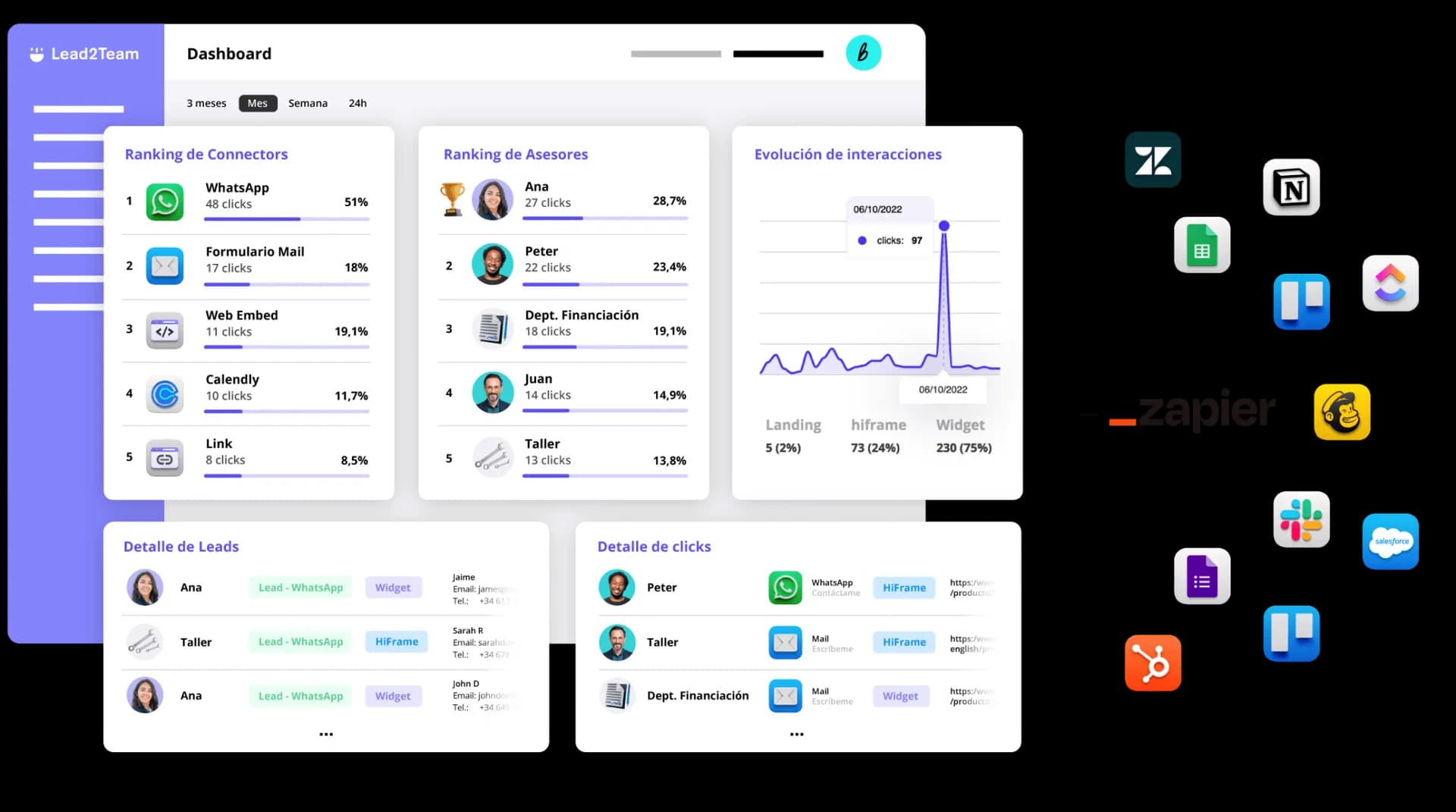
That is what Lead2Team does: each employee's digital card carries the review link of their store or branch, it is shared by QR, NFC, WhatsApp or from the email signature, and the dashboard records who earned each review. It works for Google, Trustpilot and Tripadvisor.
Why the team and not the logo
The best answer to a negative review is many positive ones. One one-star review among eight lowers the average by half a point; among forty, by a tenth. That volume comes from the team, because they are the ones talking to customers every day. And people say yes more readily to the person who served them than to a sign: the review says something concrete and carries a name.
More than 30,000 companies connect with Lead2Team every day


























THE METHOD
Up and running in 10 minutes
Four steps from the dashboard. If the team is already in your HR software, the integration does the first one.
Import the people
From Factorial, Personio, BambooHR or another HR system, from a spreadsheet or through the API. Each person ends up with their digital card created, in the company's design.
When to ask
You ask for the review when the customer has just received something they liked: they pick up the car, the appointment ends, their question gets solved, the invoice arrives. An automatic email three days later lands when they have moved on to something else. That is why the link has to be where the person serving them is: on their digital card, on the NFC card in their pocket and in the signature of every email they send.
Drivim, a group of official dealerships and workshops, does it at handover: the customer taps their phone on the salesperson's NFC card and lands on that dealership's Google listing (Natalia explains it in the Drivim interview). Movento applies it across its whole dealership network. In both cases, every review stays tied to the person and the site that earned it.
One screen, five stars and nothing to install
The customer taps their phone or scans the QR and the rating appears. If they score high, they go straight to posting on Google, Trustpilot or Tripadvisor. If they score low, they can tell the team what happened and, on the same screen, still post on the public listing.
- No app: works with iPhone and Android
- The public listing button is always there
- Internal comments reach the dashboard with the person and the location
What Google allows (and what it doesn't)
Asking customers for reviews is allowed, and Google gives every listing a link and a QR code to do it. What its content policy forbids is paying for them, whether with money, discounts or gifts to the customer, and so-called review gating: asking only those who seem happy, or hiding the way to the public listing from those who aren't. In the European Union, the Omnibus Directive (2019/2161) also treats publishing or commissioning fake reviews as an unfair commercial practice.
The method follows both rules by design: the link is shown to every customer, the rating screen always carries the button to the public listing, and there is nothing to offer the customer in return. The review is written by a real customer, on the platform, through the listing's official link. What gets rewarded is something else.
Reward the team, not the customer
Google regulates what you give the customer, not what a company does with its own staff. Recognising whoever earns the most reviews is an internal decision, and it is what keeps the habit alive: at Monday's meeting you look at the report by person and by location, say who is ahead and say thanks. If there is a prize, make it for reviews earned or requests made, never for the score: rewarding five stars pushes people to pressure the customer, and that does break the rules.
That is what the weekly report from the dashboard is for: new reviews by person, team and location, in your inbox, without logging in anywhere.
Who earns each review, by person and by location
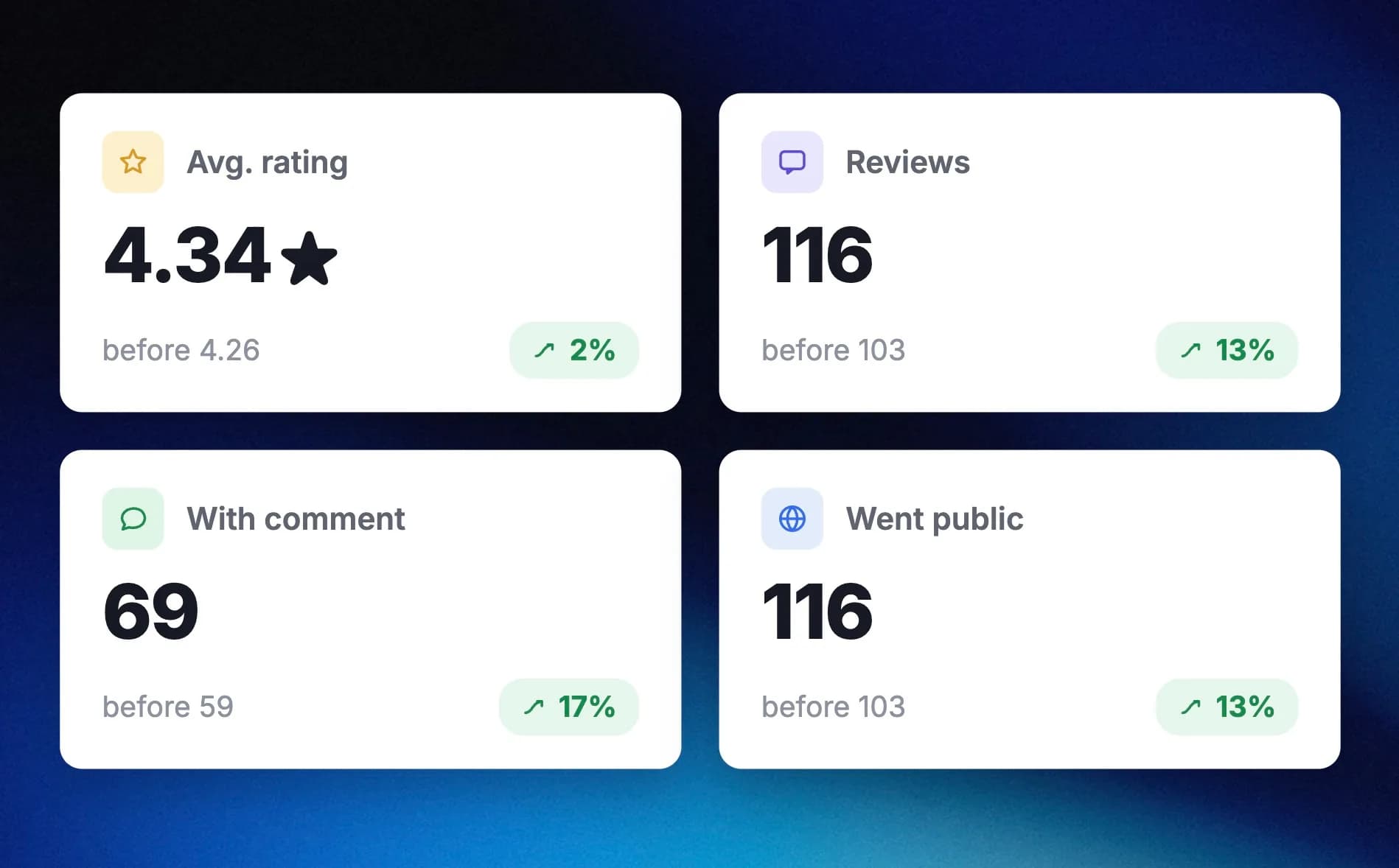
The dashboard keeps the date, the stars and whether the review was published or stayed as internal feedback, broken down by employee, team and site. Every week the summary of new reviews lands in your inbox.
- Ranking by person and by location for Monday's meeting
- Internal comments with who collected them
- Export to Excel or to your CRM
100% self-managed
What the product does, piece by piece
Google My Business integration
Connect your stores' GMB to link reviews to your team.
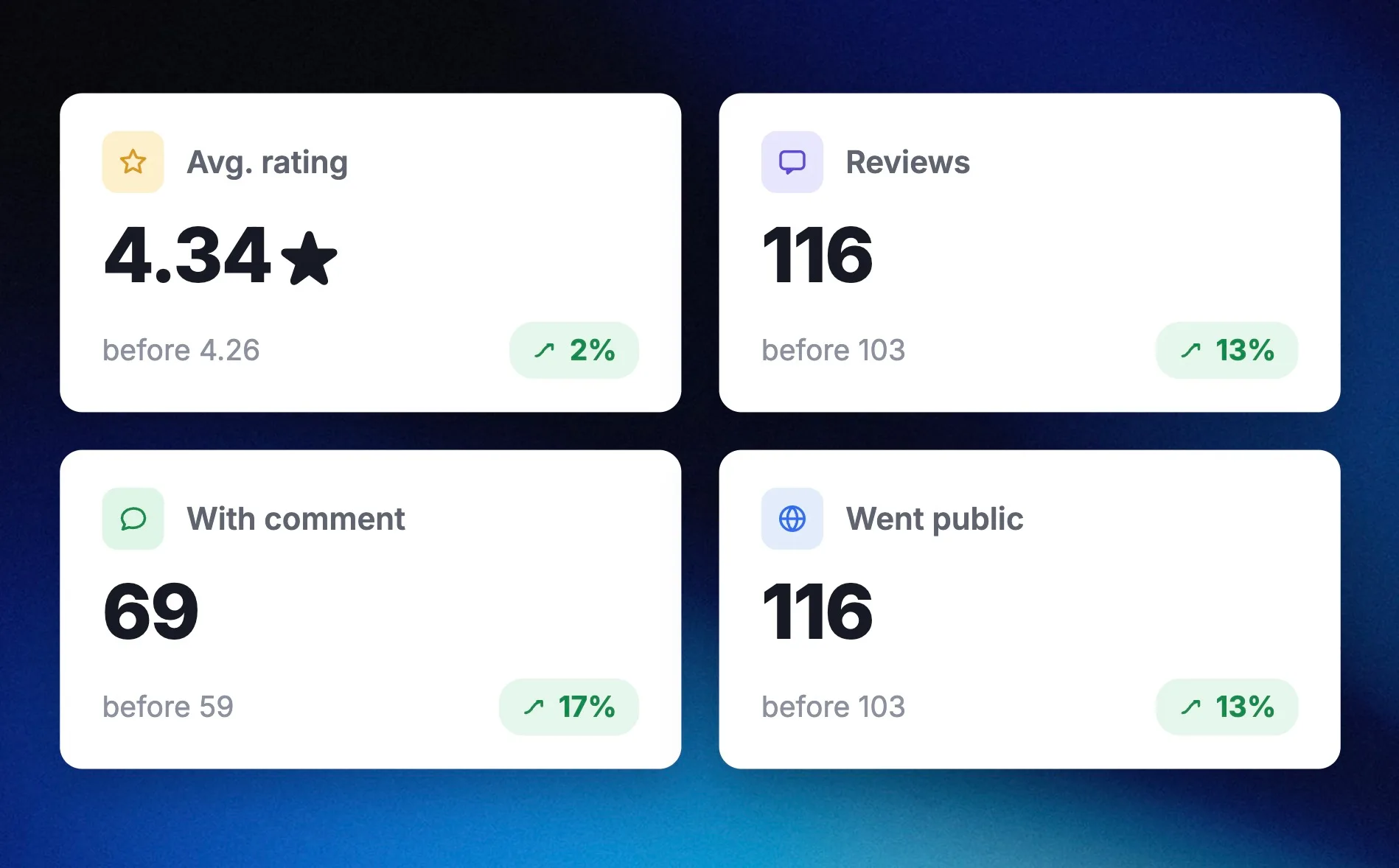
Review reports
Weekly review reports broken down by person, team or store.
Multiple configurations
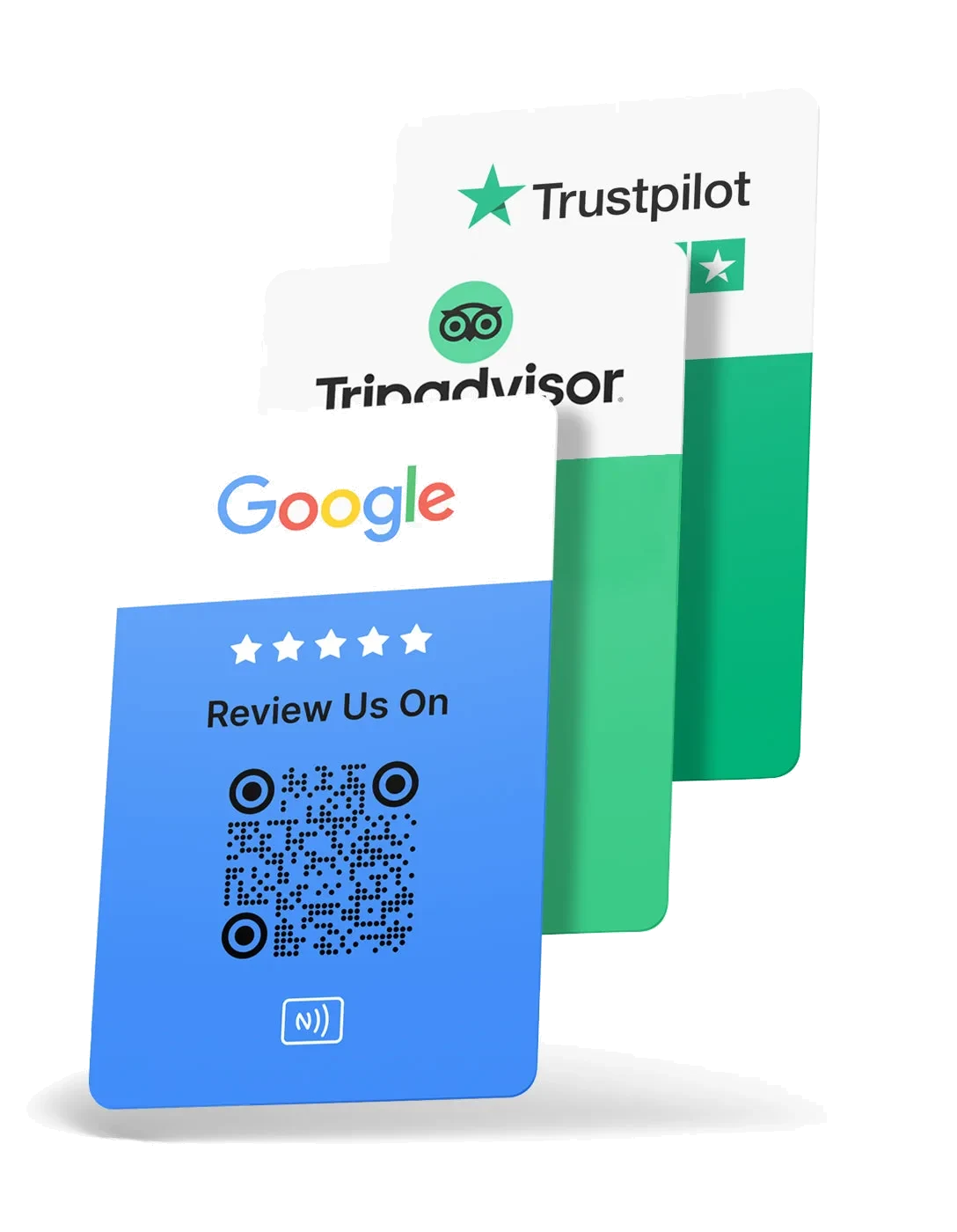
Set each review card to redirect to the platform you choose (Google, Trustpilot, Tripadvisor…).
Private feedback
Let users who prefer not to post a review leave internal feedback.
Multiple designs
Create and save several designs per brand or team and apply them in one click.
Link NFC cards and email signatures
Set up NFC cards and email signatures to collect more reviews.
Success stories
Leading brands already use it every day
Automotive, food, real estate, industry, logistics, legal and consulting
 Automotive
«With Lead2Team we can offer direct contact with our advisors and keep a close, personalized relationship within the digital space»
Óscar Oñate
Brand Director · Jaguar Land Rover Spain & Portugal
 Events
«It's a tool that lets me share my professional profile across all sales channels in a visually attractive and interactive way»
Joan Blasco
CEO · La Santa Pari
View case Automotive
«What I value about Lead2Team is that it brings a diversity of contact channels for our users, and lets dealerships manage certain leads with more agility»
Álvaro Fernández
Digital Marketing · Ford España
 Consulting
«Lead2Team's widget has transformed the way we capture leads on our website»
Beatriz Lozares
Founder · Fluidea
View case Automotive
«Lead2Team lets us give visibility to our team of experts, which helps potential clients make better, faster decisions»
Claire Escartín
Chief Marketing Officer · Grupo LG Barcelona

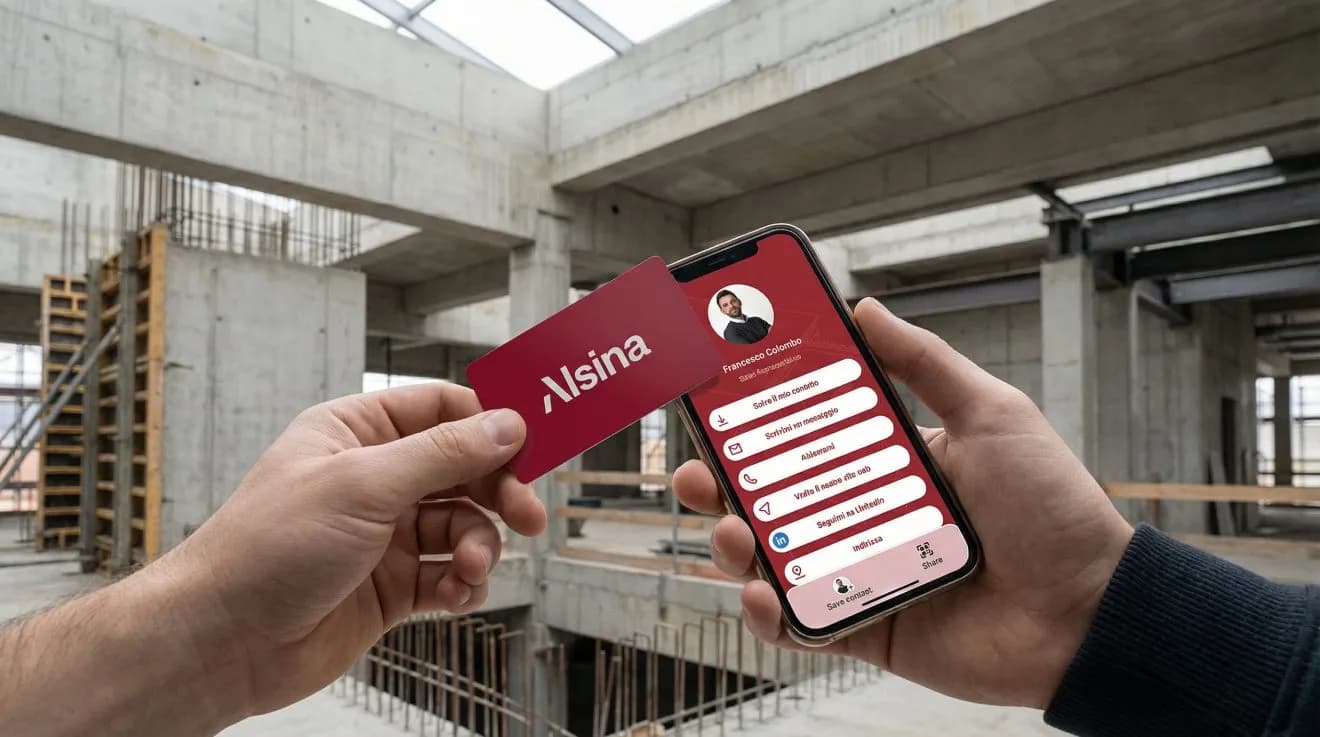 Construction
From a 10-user pilot to more than 200 NFC digital cards across Spain and Italy, managed with templates by business area and no paper logistics.
Alsina
Formwork and construction · 200+ users

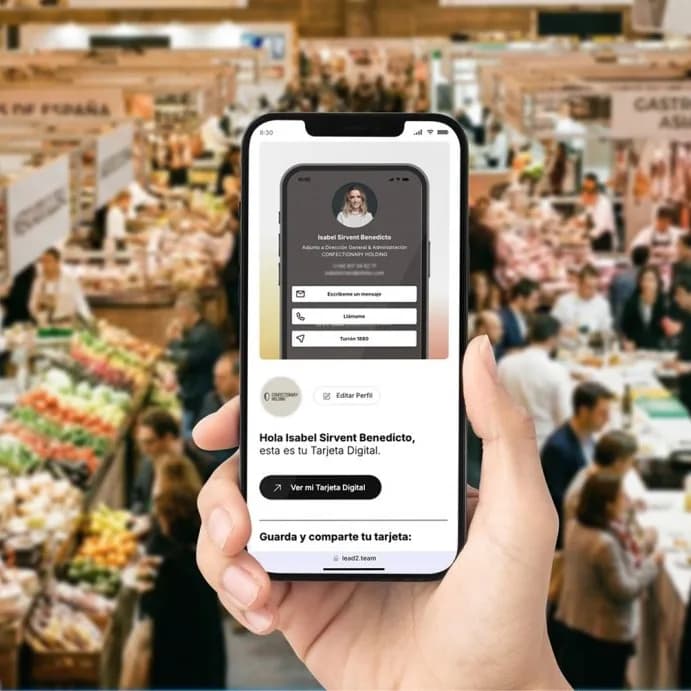 Food
FoodReplaced paper cards at trade fairs with digital cards for its whole sales network; the team was set up in a single morning from its own portal.
El Lobo · Confectionary Holding
Nougat · sales network at trade fairs

 Real estate
More than 100 digital cards up and running in a few days, on its own corporate domain, with the rollout fully delegated to the Setup service.
First Mallorca
Luxury real estate · 100+ cards
View case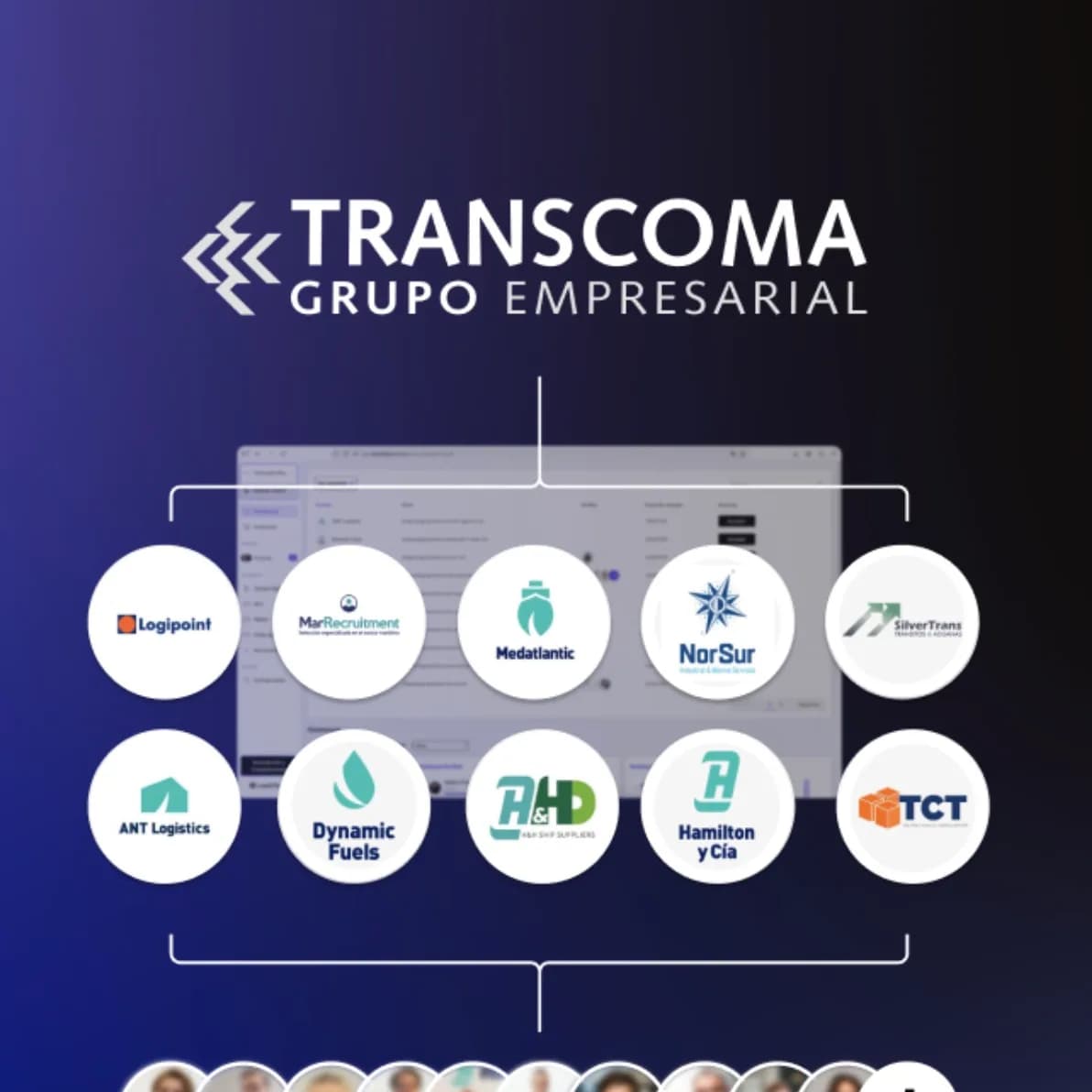 Logistics
One master account with 13 sub-accounts, one per brand, to digitise 100 professionals while keeping each group company's logo and colours.
Grupo Transcoma
Logistics and maritime · 13 brands
 Food
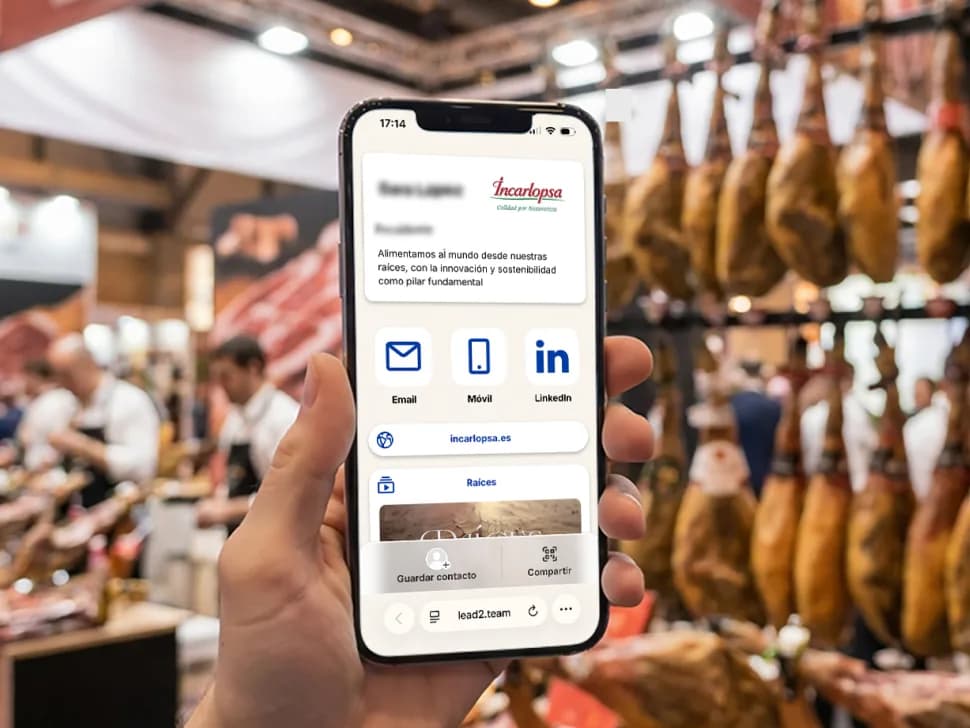
FoodThree brands (Incarlopsa, Lorfood and Loriente) under one master account, multilingual cards and a custom header with each brand's typography, ready in a week.
Incarlopsa
Meat sector · 100 sales reps
 Legal
LegalA 50-lawyer firm stopped depending on the printer: GDPR-compliant digital cards, with the whole team onboarded by the Setup service.
Iuris Corporate
Law firm · 50 professionals
View case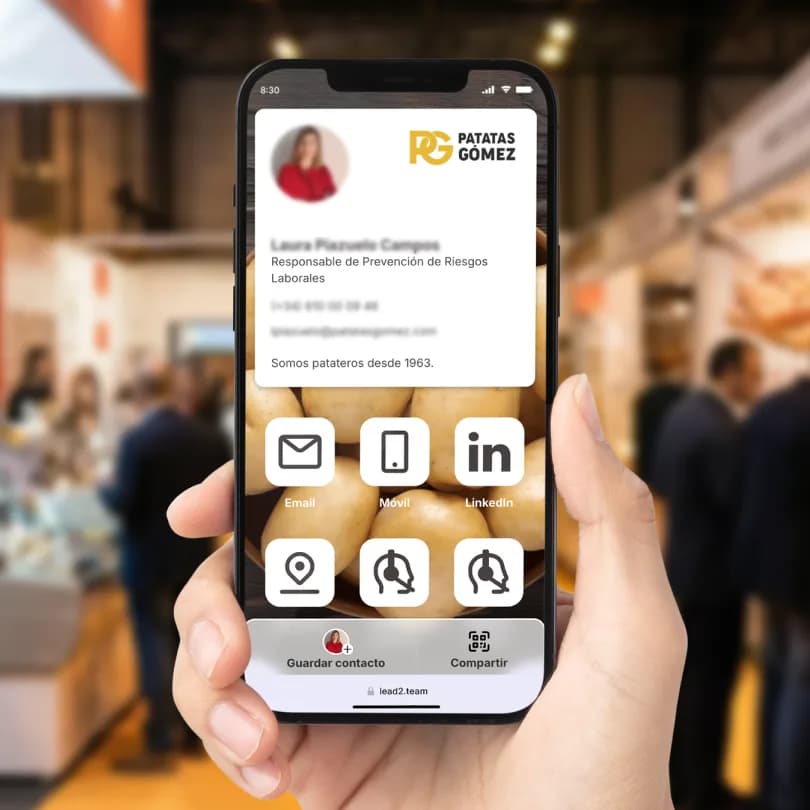 Food
FoodA digitised sales team for Alimentaria or Fruit Attraction: no paper cards, with catalogue, social profiles and corporate content one tap away.
Patatas Gómez
Food · industry trade shows
View case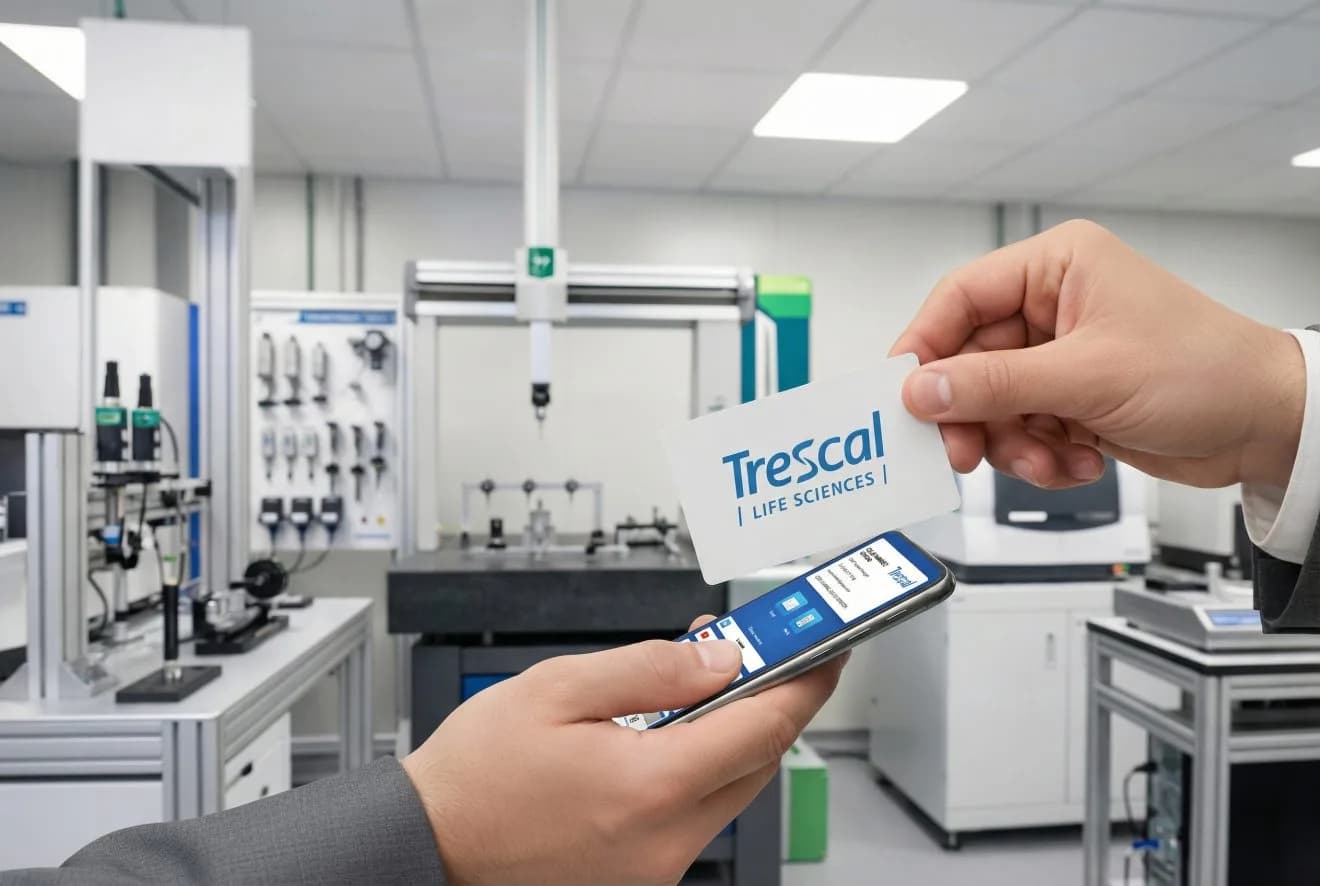 Industrial
Physical NFC cards carrying the sales team's details: platform configured in one day and cards printed in four working days, in time for the trade show.
Trescal
Industrial calibration · NFC cards
View case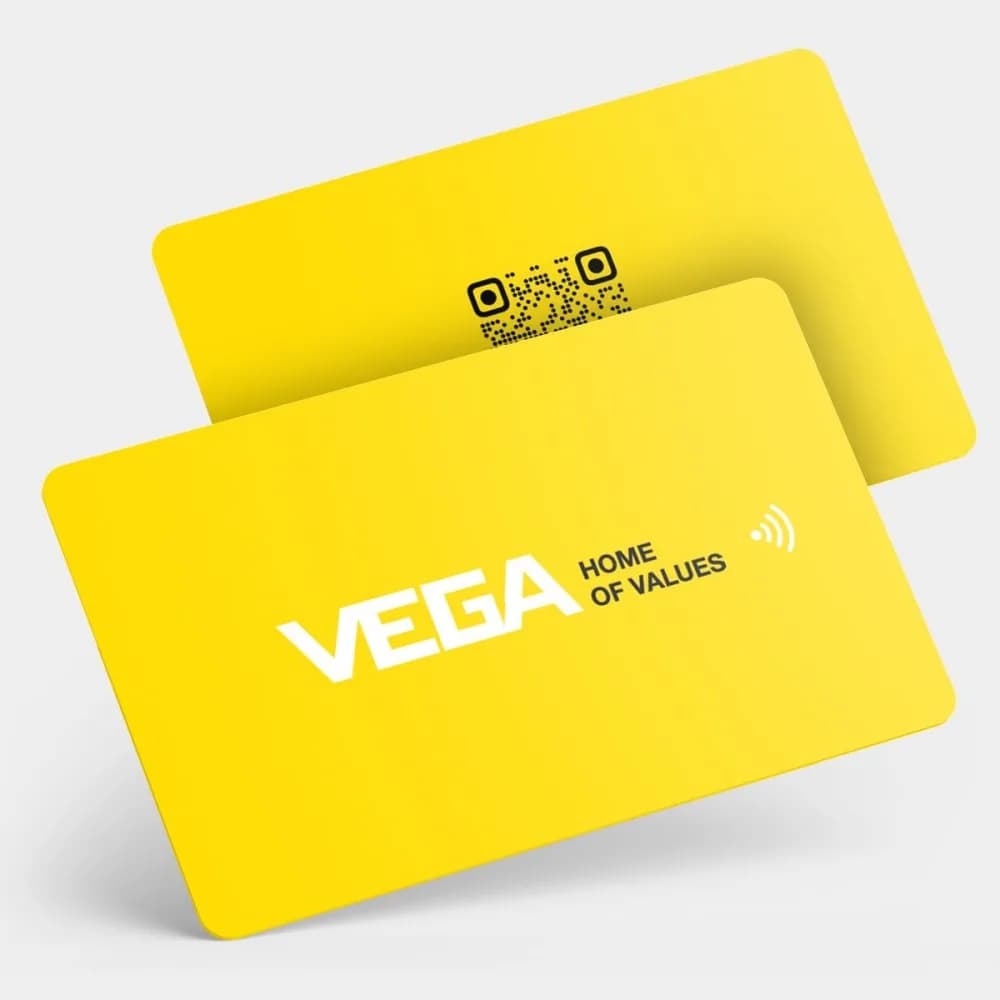 Industrial
NFC cards with a built-in lead capture form: the 30-person sales team collects trade show leads on the spot, with no paper cards to process afterwards.
VEGA Instrumentos
Instrumentation · 30 sales reps

 Construction
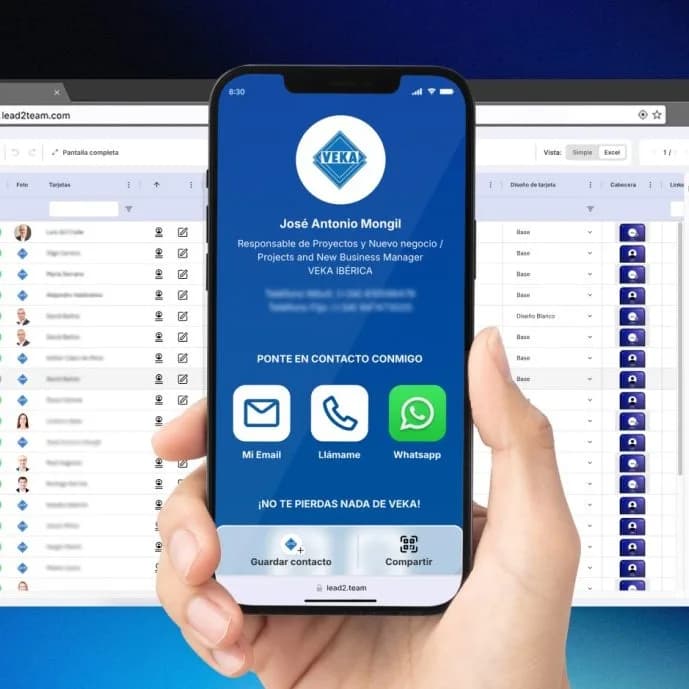
Digital cards with a custom-designed header that every employee carries in their phone's Wallet; data changes happen on the platform, with nothing to reprint.
VEKA Ibérica
PVC profiles · 30 employees
 Real estate
«Lead2Team is the perfect kit for a real estate agent. In just 10 minutes we can onboard a new agent and send them their digital card ready to use.»
Víctor López
CEO and Co-Founder · Hi Homie
 Automotive
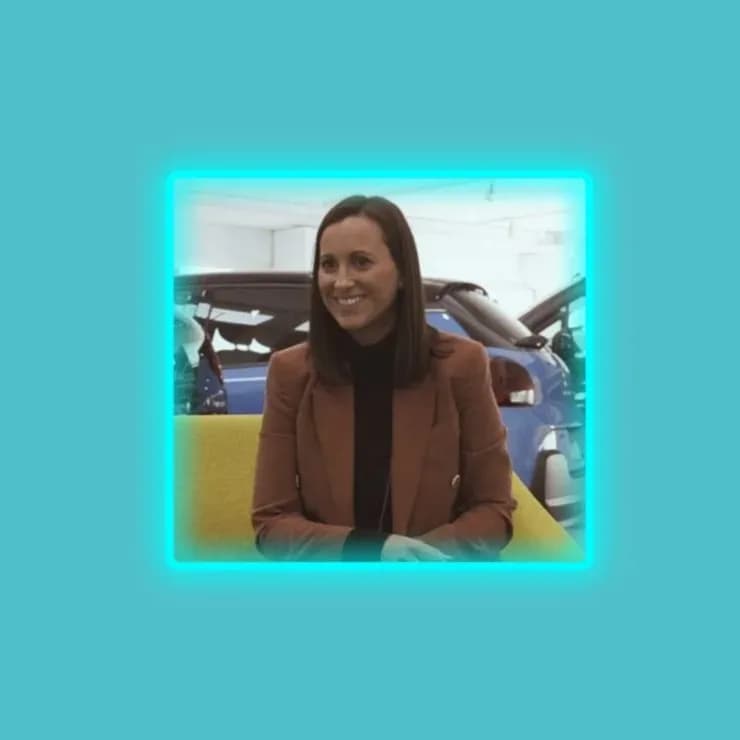
«It makes it easier to get in touch with the sales or after-sales rep. Which helps us humanize the website.»
Natalia
Marketing and customer experience · Drivim
1/17
How you get more reviews
Modo Review
Turn on review mode from your digital card and share the link by QR, NFC or WhatsApp. Compatible with Google My Business, Trustpilot and Tripadvisor, among others.
How to generate your Google review linkLead2Team for large organizations.
Security, compliance and support at every step.
Custom domain
Customize the domain of your corporate cards.
Multi-language
Customize the language of each card, ideal for international teams.
API and connection with your HR system
Joiners, changes and leavers from Factorial, Personio, BambooHR, SuccessFactors, Google or Microsoft. You run it, or daily if you switch the daily sync on.
Assisted implementation
Our team supports you through the initial setup.
Custom development
We adapt the card design to your company's brand guidelines.
Enterprise trust
The points IT and legal validate before signing.
- GDPR
- Encrypted data
- EU infrastructure
- Certified accessibility — audited by ILUNION
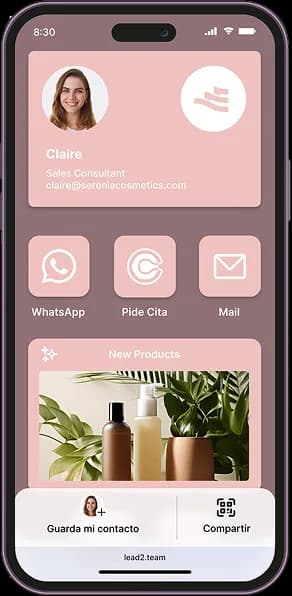
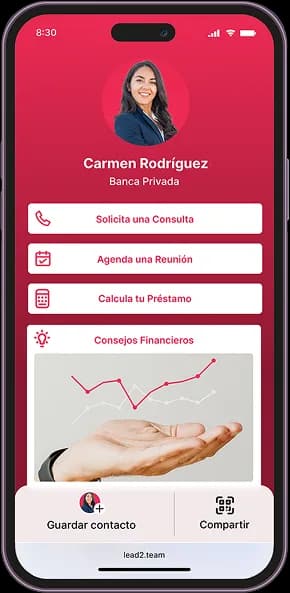
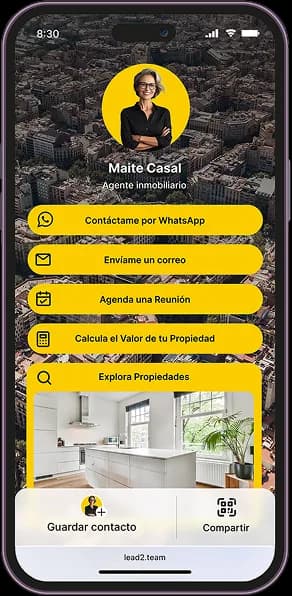
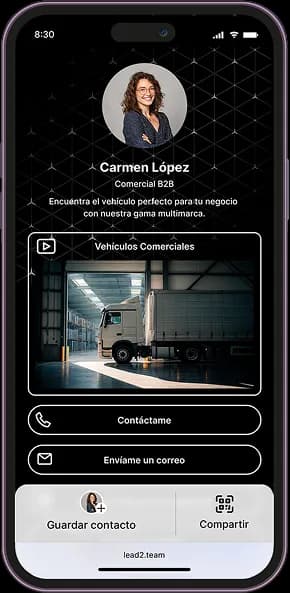
Multi-design manager
Every team, with its own card design
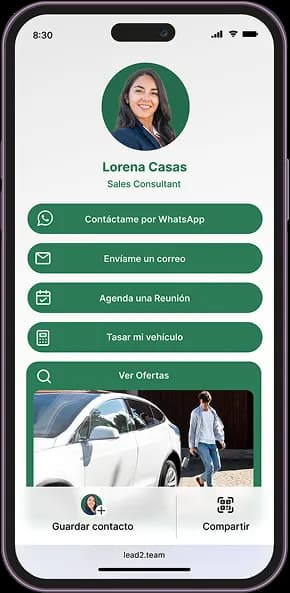
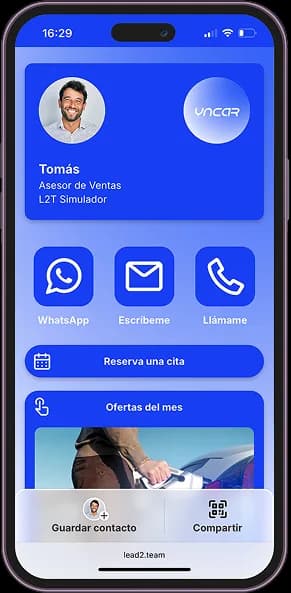
Customize your Digital Cards: create, save and apply designs by brand or team.
Edit headers, buttons and styles to reflect your company's style and corporate identity.
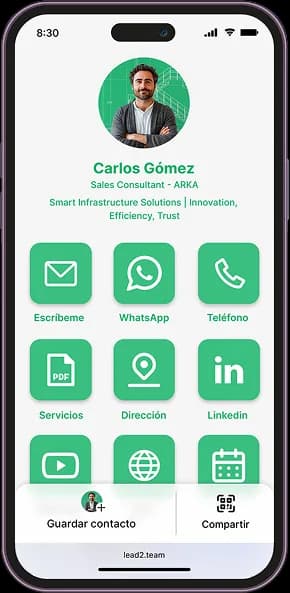
You at the center
Everything revolves around a single profile.
Change a detail once and it updates across all your contact tools.

Digital Card
Your professional profile in a single URL: contact details, social links and a booking button. The hub that feeds your signature, NFC and wallet.
Discover →NFC Card
One tap and your contact details jump to the phone of whoever's in front of you. No apps, no typing.
Discover →Wallet
Your card lives in Apple and Google Wallet, always a tap away and with automatic updates.
Discover →Email Signature
Your digital card in every email you send: a professional signature, consistent across the whole team and always up to date.
Discover →Team Card
Thousands of consistent cards managed in minutes, with centralized design and data.
Discover →QR Generator
Dynamic QR codes you edit without reprinting: change the destination whenever you want.
Discover →Web Assistant
A widget that lets people contact you instantly from your website, through the channel they prefer.
Discover →HTML Card
Embed your team's live cards on your website: save contact, call or message in one click.
Discover →Frequently asked questions
- It is a feature (Review Mode) that turns each professional's digital card into a tool for gathering reviews. You can share it via QR code, NFC, or direct link. The customer rates their experience from 1 to 5 stars directly on their phone — no apps, no complicated steps.
- Reviews that come in through a specific professional build more trust and convert at a higher rate. The customer values the person they dealt with — not the company in a generic way — which makes the experience more personal and raises the likelihood of them leaving a review.
About 10 minutes from the dashboard: you import the people (HR software, spreadsheet or API), import your store listings from Google Business Profile, link each person to their location and each one receives their card by email. The four steps are in how to get Google reviews with your team.
Yes. Google allows you to ask for them and gives every listing a link and a QR code to do so. What it does not allow is paying for them or filtering who gets asked. In the European Union, the Omnibus Directive also treats publishing or commissioning fake reviews as an unfair practice. The Lead2Team method relies on what is allowed: a real person asks a real customer for a review, with the listing's official link, and the customer writes the review on the platform.
Yes. Google forbids giving the customer anything in exchange for a review (money, discounts, gifts); what a company does with its own staff is its own business. The weekly report by person and by location is there for that. One piece of advice: reward reviews earned or requests made, never the score, so nobody feels pushed to pressure the customer.
No. Every customer sees the same link and the rating screen always carries the button to the public listing, whatever they score. Anyone who scores low also gets a form to tell the team what happened; that comment reaches the dashboard with the person and the location that collected it. Review gating would be asking only happy customers for a review or hiding the public listing from the rest, and that does not happen here.
- Yes. You can set up a personalized link for each person or use a shared one for the whole company. You decide, based on how you want to manage your ratings.
- Google, Trustpilot and Tripadvisor. You can enable one or several, depending on the ones your company uses.
- From the digital card, by enabling Review Mode — the QR code updates and the customer scans it to reach the rating page. You can also send the link by WhatsApp or email.
- No. They just scan the QR code, tap the NFC card, or open the link in their browser and rate in seconds, with no friction.
- You just update the destination link from the dashboard. The change is applied automatically across all of the team's cards, QR codes and NFC — with no need to reprint or reconfigure anything.
- Yes. You can set up an NFC card to open the reviews page directly when held near the customer's phone. Ideal for counters, field sales reps or customer service staff. You can also order them customized with your logo and corporate image.
Yes. The dashboard gives you the full history —date, stars, and whether the review was published or stayed as internal feedback— broken down by person, team or location.
It isn't meant as a yardstick for measuring anyone. It's for the ordinary things a team does: seeing which moment of the interaction works best for asking, sharing it in Monday's meeting, and thanking whoever is bringing reviews in. A review isn't squeezed out of people: it happens when the team remembers to ask, and that is kept alive with recognition, not with a leaderboard.
Still not sure it's for you…
Here we explain it in 90 seconds.
Shop
Order your NFC cards
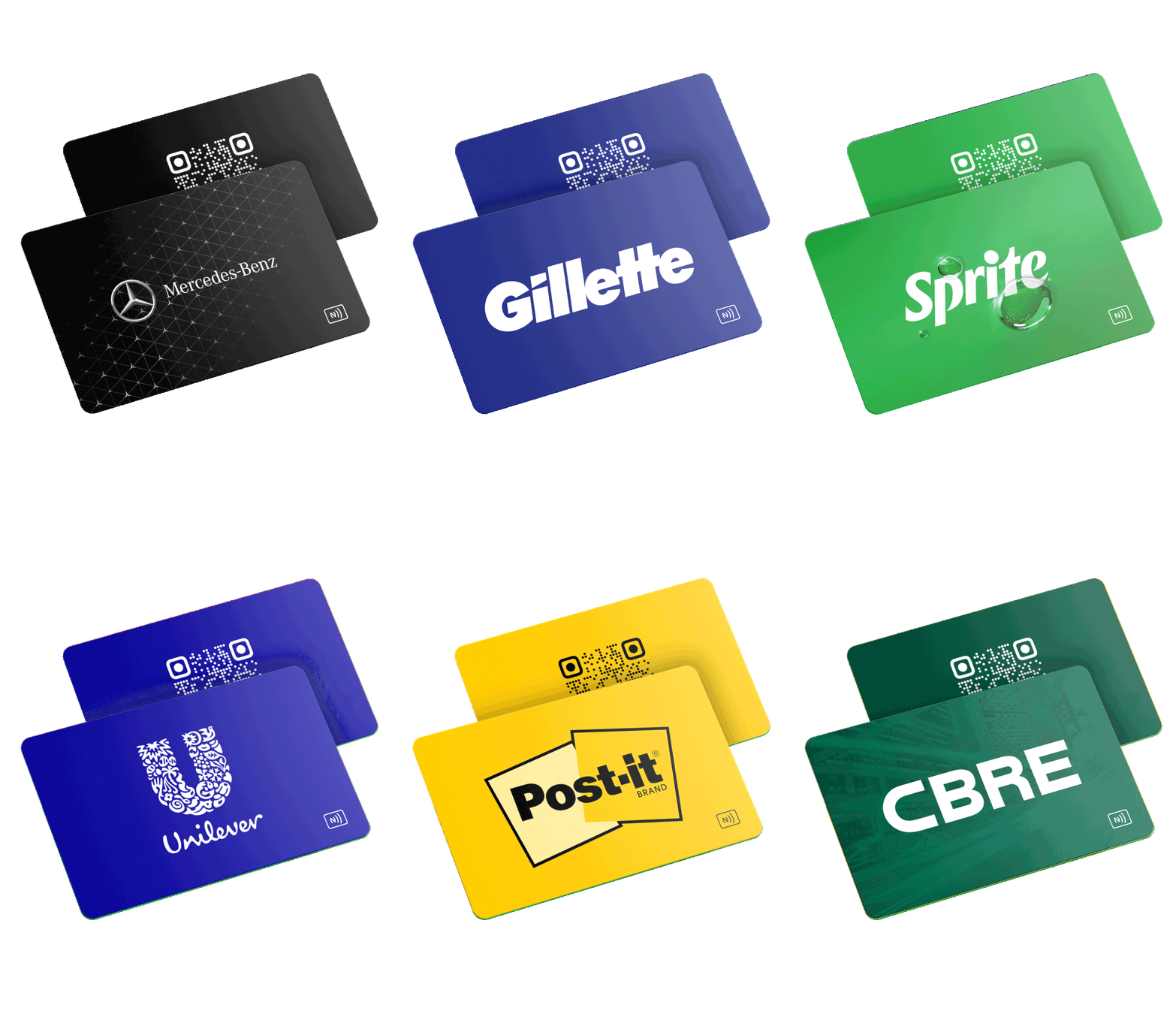
Printed with your design, with NFC chip and QR code. Shipping across Europe and automatic invoice.
 Custom
 Custom + 3 models
Set up the method with your team
Tell us how many people and locations you have and we set it up with your data: the Google listings, one link per person and the weekly report. If you want NFC cards, we print them with your design.