Guide · Integrations
Digital business cards with Personio
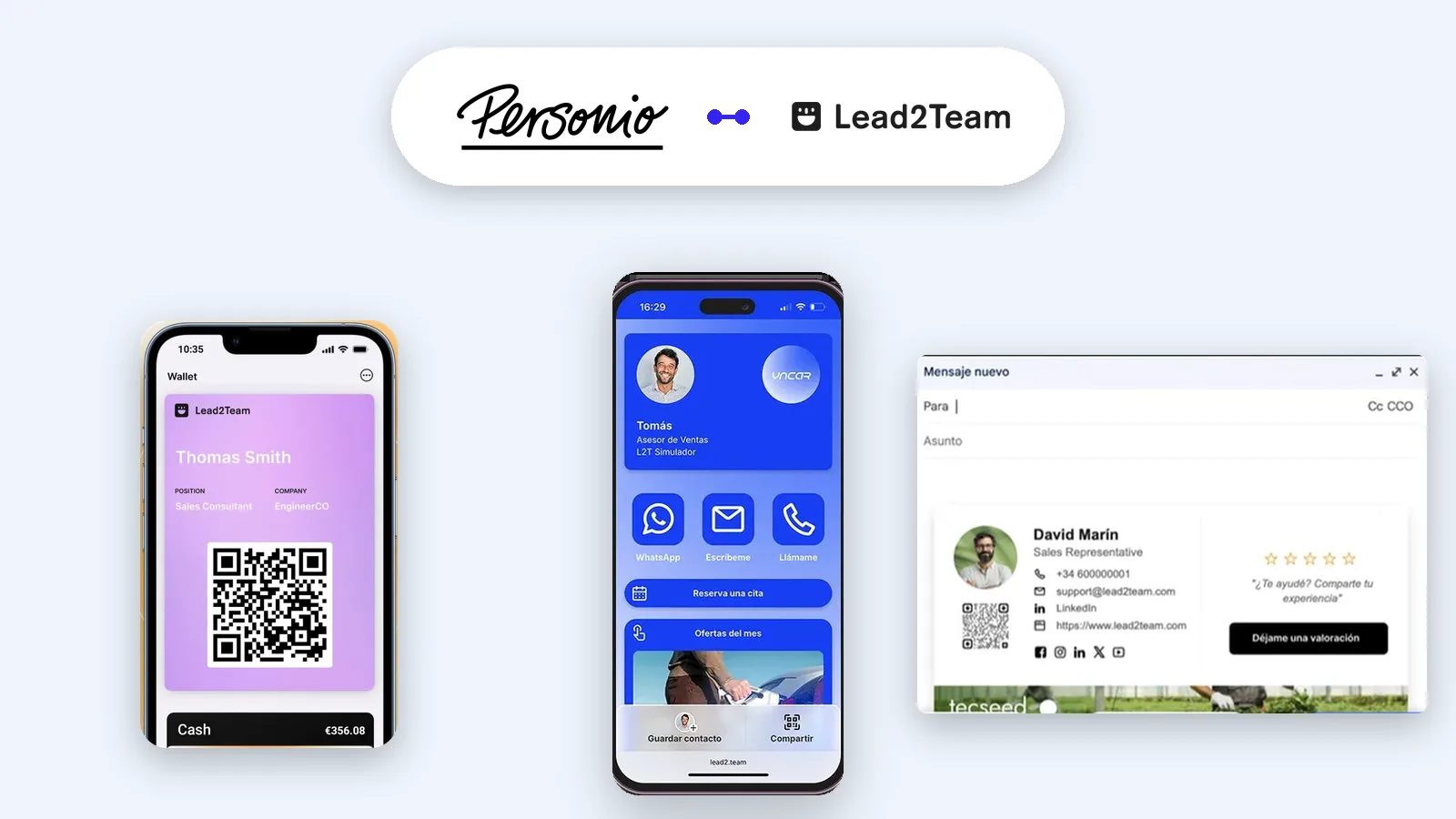
Personio integration with Lead2Team: every joiner gets a digital card and every leaver loses it, with no manual work. Talk to sales.
Lead2Team connects with Personio to create the digital card of everyone who joins the company, keep it up to date when they change role, and withdraw it when they leave. Built for companies with teams that already manage their workforce in Personio and do not want to keep the same list in two places.
What Personio is and who it is for
Personio is an HR system of German origin, built for European small and mid-sized companies. It centralises workforce data, absences, employment paperwork and payroll preparation. If that is where people are added and removed, that is where the information is born, and it makes sense for Lead2Team to read it from there instead of asking you to type it again.
What Lead2Team syncs
- Joiners: everyone new in Personio gets their digital card created.
- Changes: name, role, department and office are updated when they change in Personio.
- Leavers: when someone goes, their card is withdrawn in the mode you chose.
- Which fields: only the ones you map. Anything you leave out stays as it is in Lead2Team.
- Which direction: from Personio into Lead2Team. Nothing you do in Lead2Team changes Personio.
What happens when someone leaves
This is the question HR always asks, and it has two answers because you choose the mode:
- Delete the card, if you want no trace of that person left.
- Hide it, if you would rather keep the history and the metrics without the card staying public.
In both cases the person also stops being able to sign in to Lead2Team. There is nothing separate to remember to revoke.
What your team does with that sync
An up-to-date workforce is the means, not the end. With the job title and office you keep in Personio already in, each person gets four things without asking anyone for them:
- Digital card. Their profile with current details, to share by link, QR or vCard.
- Wallet. The same card in Apple Wallet and Google Wallet, updating itself when their details change.
- Email signature. One design for the whole company, with the right job title on each one and nobody to chase.
- NFC card. The physical card linked to their profile. If that person leaves, the card is reassigned to someone else without reprinting.
All four drink from the same data. Fix it once and it is fixed everywhere.
How to connect it
- In Lead2Team, open Settings and go to Integrations.
- Choose Personio and authorise the connection. You need administrator rights in Personio.
- Map the fields: which Personio value feeds each field of the card.
- Run a first sync and check the result before opening it to the whole company.
- If you want it to run daily on its own, switch on the daily automatic sync under Settings.
What it does not do
Worth knowing before you buy, not after:
- It is not automatic to begin with. Once connected it is on demand: you run it when you want. It only runs daily on its own if you switch that option on.
- It does not write into Personio. The information travels one way.
- It does not govern fields you do not map. If you leave the phone number out of the mapping, each person still manages their own.
FAQ
Do I need administrator rights in Personio? Yes, you need them to authorise the connection. After the first setup you do not need to use that permission again.
Which plans include it? The team plans. You have the breakdown on pricing.
Can I connect just one department? Yes. You can start with one team and open it to the rest once you are happy with the mapping.
What if we change HR system? The cards stay as they are. The connection is switched off and the workforce is managed from Lead2Team or from the new system, if it is on the integrations list.
Put it into practice with your team
Create your team's digital cards and share them in seconds, with full brand control.