How to multiply the positive reviews of your business?
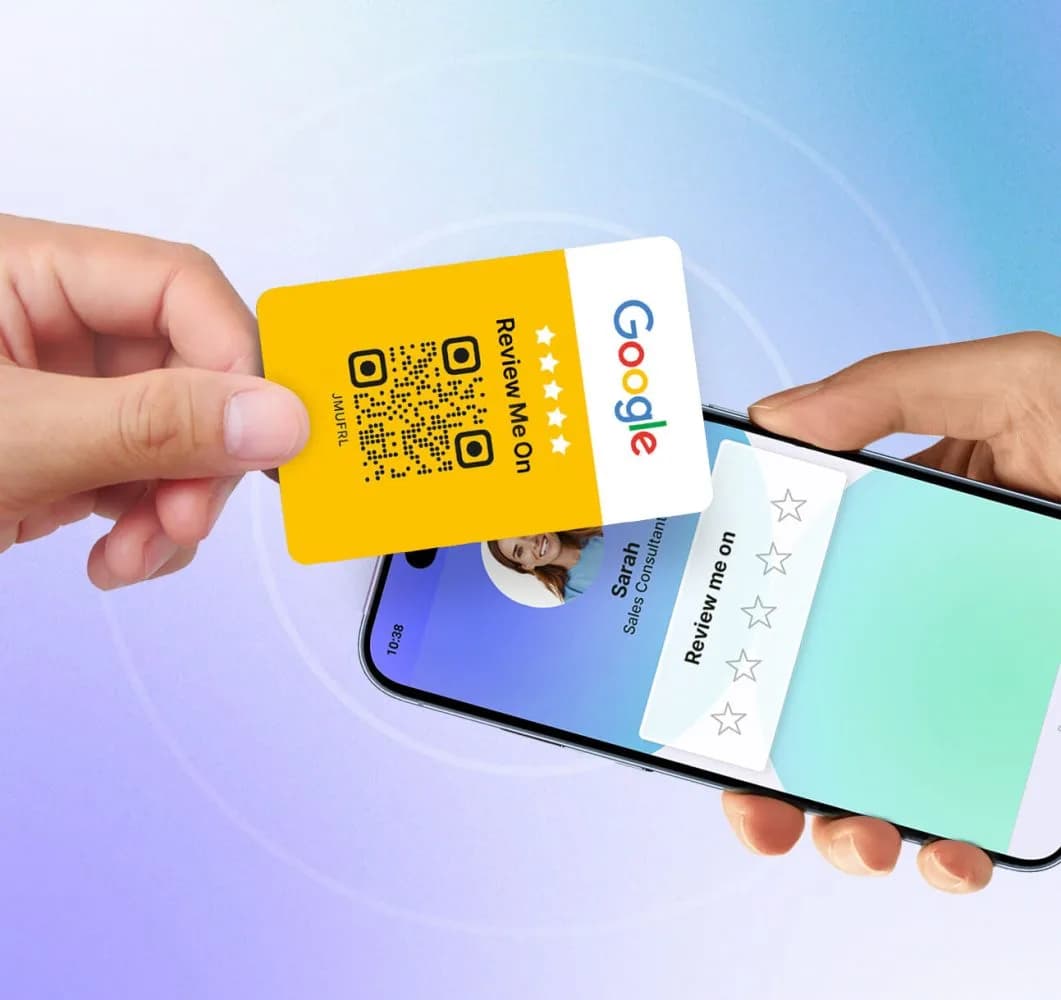
Online reviews shape your reputation and visibility on Google. See how the Lead2Team digital card's Reviews link helps you collect more positive ones.
Online reviews are essential to any business's reputation.
They not only influence customers' purchasing decisions, but also have a direct impact on your company's visibility on platforms like Google. Getting more positive reviews is key to standing out from the competition, and the Reviews link on the Lead2Team digital card makes this possible in a simple and effective way.
What is the Reviews link?
The Reviews link is a feature built into the Lead2Team digital card that lets you request reviews in a personalized and direct way. By activating Review Mode, you can send satisfied customers your profile so they can leave a rating on platforms like Google My Business, TripAdvisor or Trustpilot.
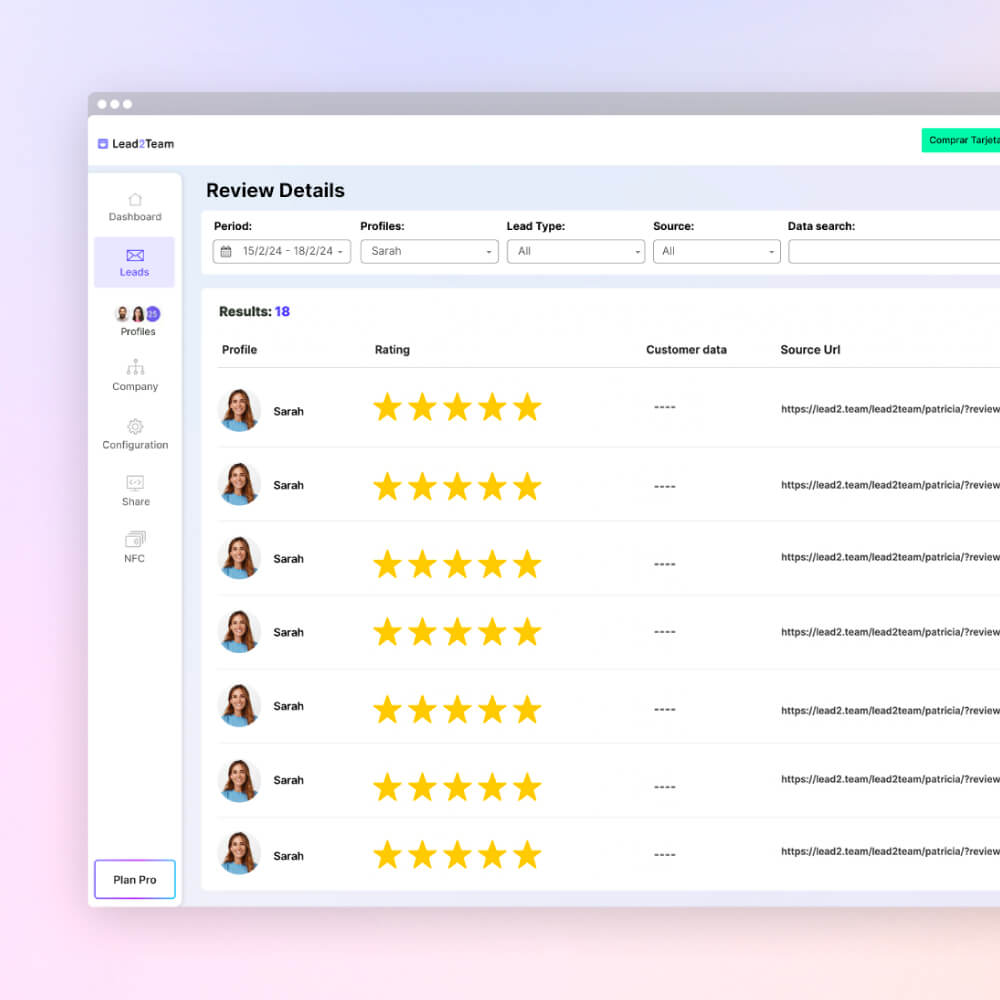
Benefits of Using the Reviews Link
✅ Collect more positive reviews: When requested directly by someone they trust, customers feel more inclined to leave a positive comment.
✅ Filter out negative reviews: Positive reviews will take your customers straight to your public profile, while negative ones will stay as internal feedback.
✅ Improve your online visibility: Reviews on platforms like Google not only build trust in your business, but also improve SEO, making your company more visible.
How to Activate Review Mode on Your Digital Card?
- Log in to your Lead2Team account.
- Go to the section Share > Reviews.
- Activate Review Mode and add the link to the platform where you want your customers to leave their reviews.
- Configure the rating: choose the number of stars to consider a review as positive. Ratings below that score will be saved as internal feedback.
- Save the changes and you're done! You can now start sending the reviews link to your satisfied customers.
Put it into practice with your team
Create your team's digital cards and share them in seconds, with full brand control.