What is a vCard: the .vcf format, how to create one and how companies use it
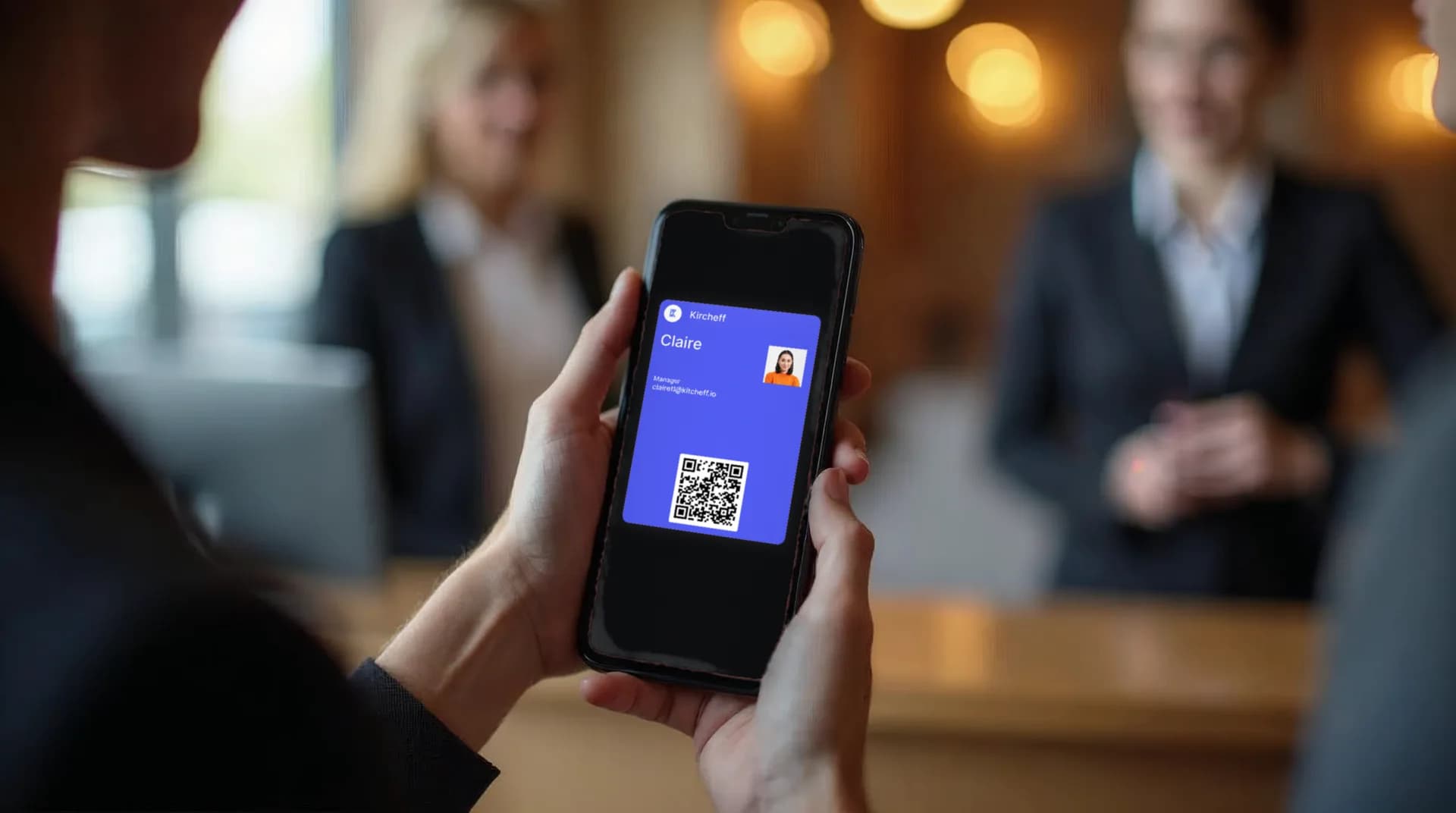
A vCard is a .vcf file holding your contact details. Which fields it carries, how a phone opens it and how it differs from a link to your digital card.
A vCard is a digital contact file (.vcf extension) that holds your name, job title, company, phone, email and links, and that any phone or computer can save to its address book with a single tap. It is the standard format iPhone, Android, Gmail and Outlook use to exchange contacts, and the foundation digital business cards are built on.
What a vCard (.vcf) file contains
The vCard format (Virtual Contact File) dates back to 1995 and is now at version 4.0. It is a text file with labelled fields: FN (full name), ORG (company), TITLE (job title), TEL, EMAIL, ADR (address), URL and PHOTO. It can also carry notes, social profiles and several phone numbers. When someone opens the file, their address book reads it and creates the full contact card, with nothing to type.
What matters for a company is that every field follows a standard structure: a vCard created in Madrid saves exactly the same way on an iPhone in Lisbon or an Outlook in London.

vCard, digital business card and QR: how they relate
They are often confused, but they are three different layers:
- The vCard is the file saved to the address book.
- The digital business card is the page or profile that displays your details (photo, WhatsApp button, calendar, catalogue…) and from which the vCard is downloaded.
- The QR code or NFC card is how that digital card gets opened on the other person's phone.
That is why a professional digital business card always includes a "Save contact" button: it generates the vCard on the spot with up-to-date details.
How to create a vCard
Option 1: from your address book
On iPhone, open a contact → Share Contact → it is sent as a .vcf. On Android, Contacts → Share → vCard file. In Outlook, Contact → Forward as vCard. Fine for one-off use, but the file is frozen: if you change phone or role, whoever saved it never finds out.
Option 2: with a generator and a QR code
A generator creates the .vcf and ties it to a QR code. It is the usual choice for paper cards, email signatures or trade-show stands. We walk through it step by step in how to make a vCard with QR. The limit: a static QR stores the data inside the code itself, so any change means reprinting.

Option 3: a dynamic vCard from a team platform
The vCard is generated at every download from the employee's profile on the platform. If the phone number, job title or company logo changes, the next person who saves the contact gets the right details, and the QR code or NFC card stays the same. It is what companies with sales teams choose, because the administrator maintains the data, not each employee.
How to share a vCard
- With a QR code on the physical card, the email signature, a roll-up banner or a slide deck.
- With an NFC card: hold it near a phone and the profile opens with no app (how an NFC card works).
- With a link over WhatsApp, email or LinkedIn.
- From Apple Wallet or Google Wallet, with the card always at hand. How to add it in this guide.
We cover every route in 7 ways to share your digital business card.

vCards for companies: creating one is easy, maintaining them is not
Creating a vCard is trivial. The hard part arrives with 50, 200 or 1,000 employees: each with their own vCard, in different formats, with old phone numbers and logos from three rebrands ago. Grupo Transcoma solved it by managing the vCards of 13 brands from a single dashboard.
A digital business card platform for teams solves three things:
- Centralised data: each person's profile is edited once and flows into their vCard, their card and their email signature.
- Unified brand: same design, same fields, same image for the whole team.
- Analytics: how many times each contact was saved and from where, to measure the sales network's real networking.
If you manage a team, start with the team digital card and check what loose vCards really cost in the ROI of digital business cards.
Common questions
What people ask most about vCards
Whether it works on iPhone and Android, how it differs from a digital card and what happens to a vCard you already shared.
- Does a vCard work on iPhone and Android?
Yes. It is an open standard compatible with iOS, Android, Gmail, Outlook and most CRMs.
- What is the difference between a vCard and a digital card?
The vCard is the file saved to the address book; the digital card is the profile it is downloaded from, which also lets people call, message on WhatsApp or book a meeting.
- Can a vCard that has already been shared be updated?
A sent .vcf file cannot be updated. With a dynamic digital card, every new download carries the current details.
- Is sharing a vCard safe?
It only contains what you choose to include. On a company platform, the administrator defines which fields are published and can deactivate a card when someone leaves.
One vCard per employee, controlled from one panel
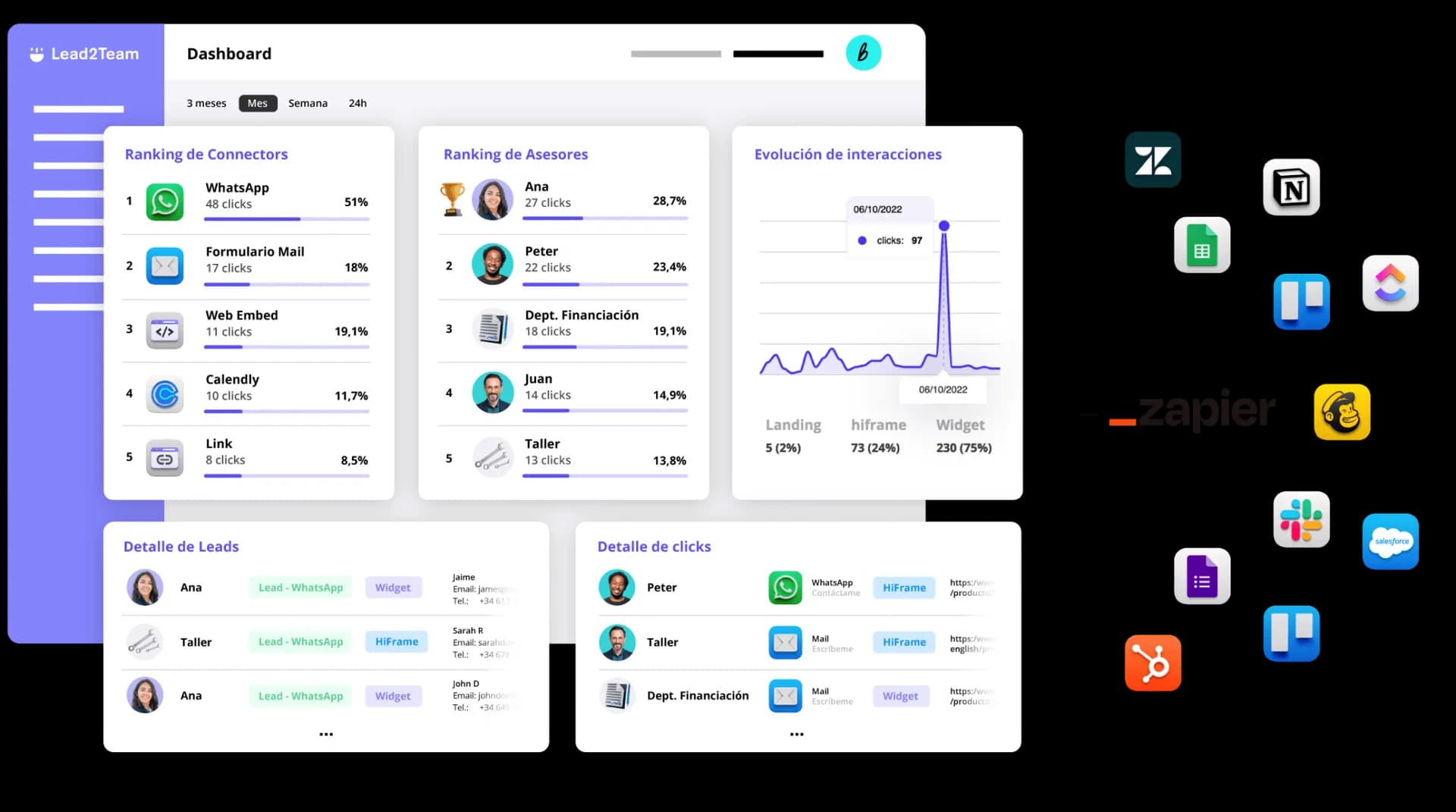
A loose .vcf ages badly: the day someone changes phone or leaves, the saved contact stays as it was. With the profile in Lead2Team the admin changes the data once or deactivates the card.

Put it into practice with your team
Create your team's digital cards and share them in seconds, with full brand control.